

Logs & metrics
Stream build and runtime logs and monitor your app's resource usage.
OneBit Deploy gives you live visibility into your app — both what it's doing now and how much it's using.
Live logs
The app's Logs tab streams build and runtime output in real time. Use it to watch a deploy progress and to debug issues in a running app.
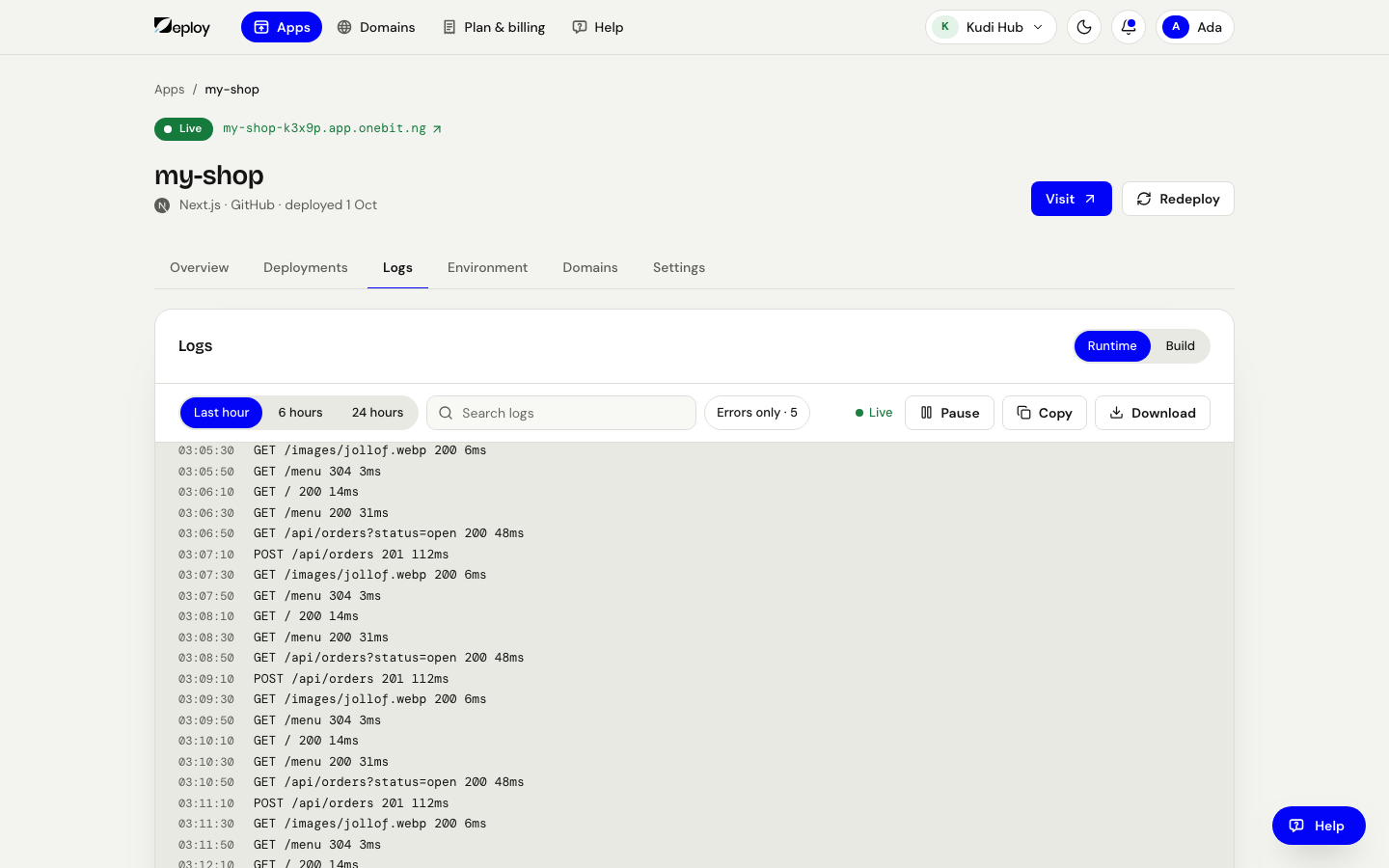
- Build shows the install/build steps for each deployment. On the Deployments tab, Build log on any update opens it here.
- Runtime shows your app's stdout/stderr while it runs.
- Logs stream live, so you can follow a deploy as it happens. Pick Last hour, 6 hours or 24 hours, turn on Errors only to see just errors and warnings, use Find in the log, and Copy or Download what is on screen.
How it is doing
The app's Overview opens with Status: plain meters for Working memory, Answering visitors (how busy it is) and, for an app that keeps files, Space used — so you can tell whether you need a larger plan or are running comfortably. There is no separate metrics tab.
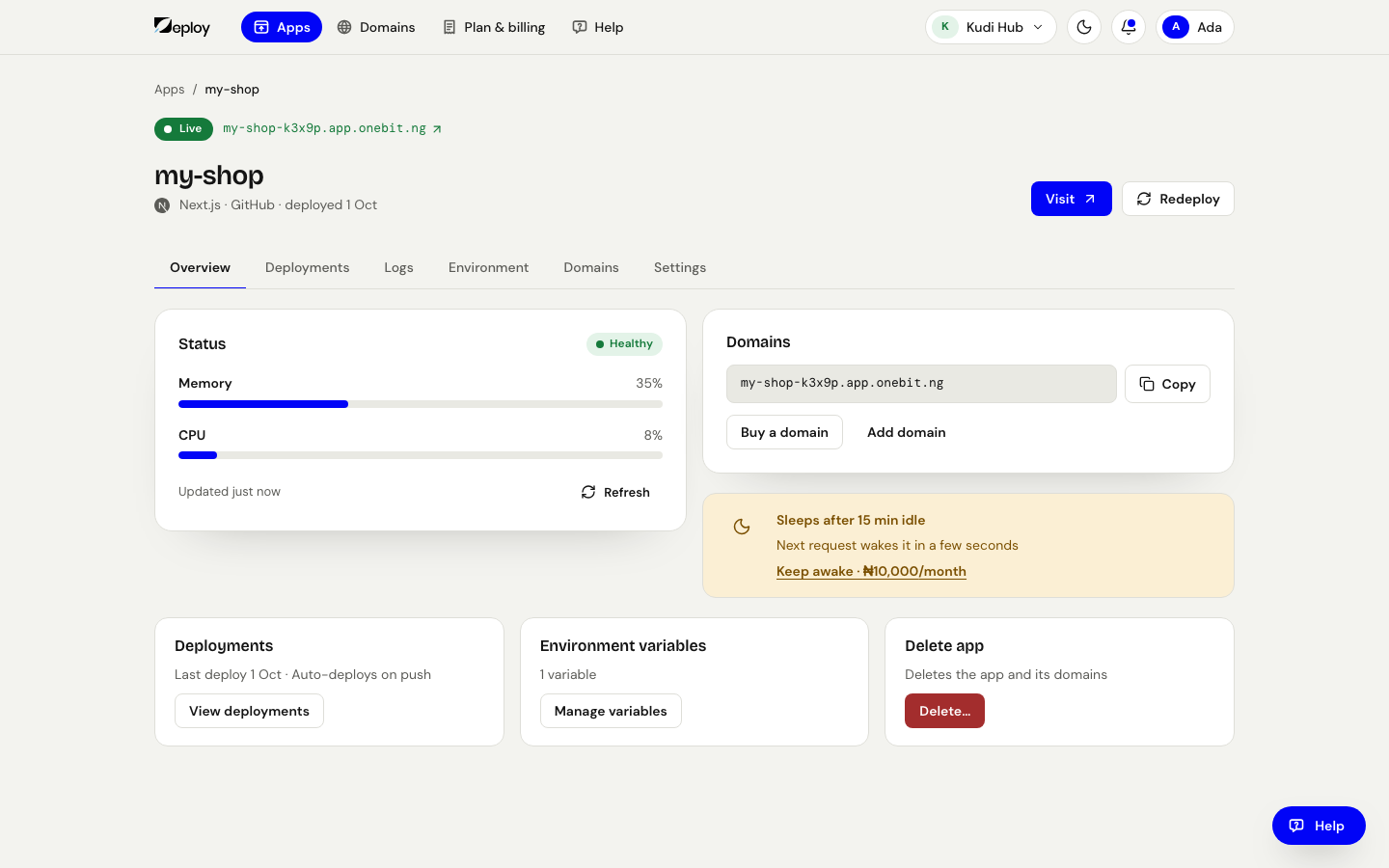
If your app is approaching its plan's memory or CPU limits, give it more in its Settings → Resources, or move to a bigger plan on Plan & billing. See Plans & quotas for the limits per plan.