

Quickstart
Deploy your first app to OneBit Deploy from GitHub in about two minutes.
This quickstart walks you from an empty account to a live app. You will need a GitHub account and a repository containing a Node.js or Next.js app (or any static site).
1. Create your account
Sign up at deploy.onebit.ng and start on the Free plan. You will land on Apps, the home page of the console at code.onebit.ng, where each of your apps has a card.
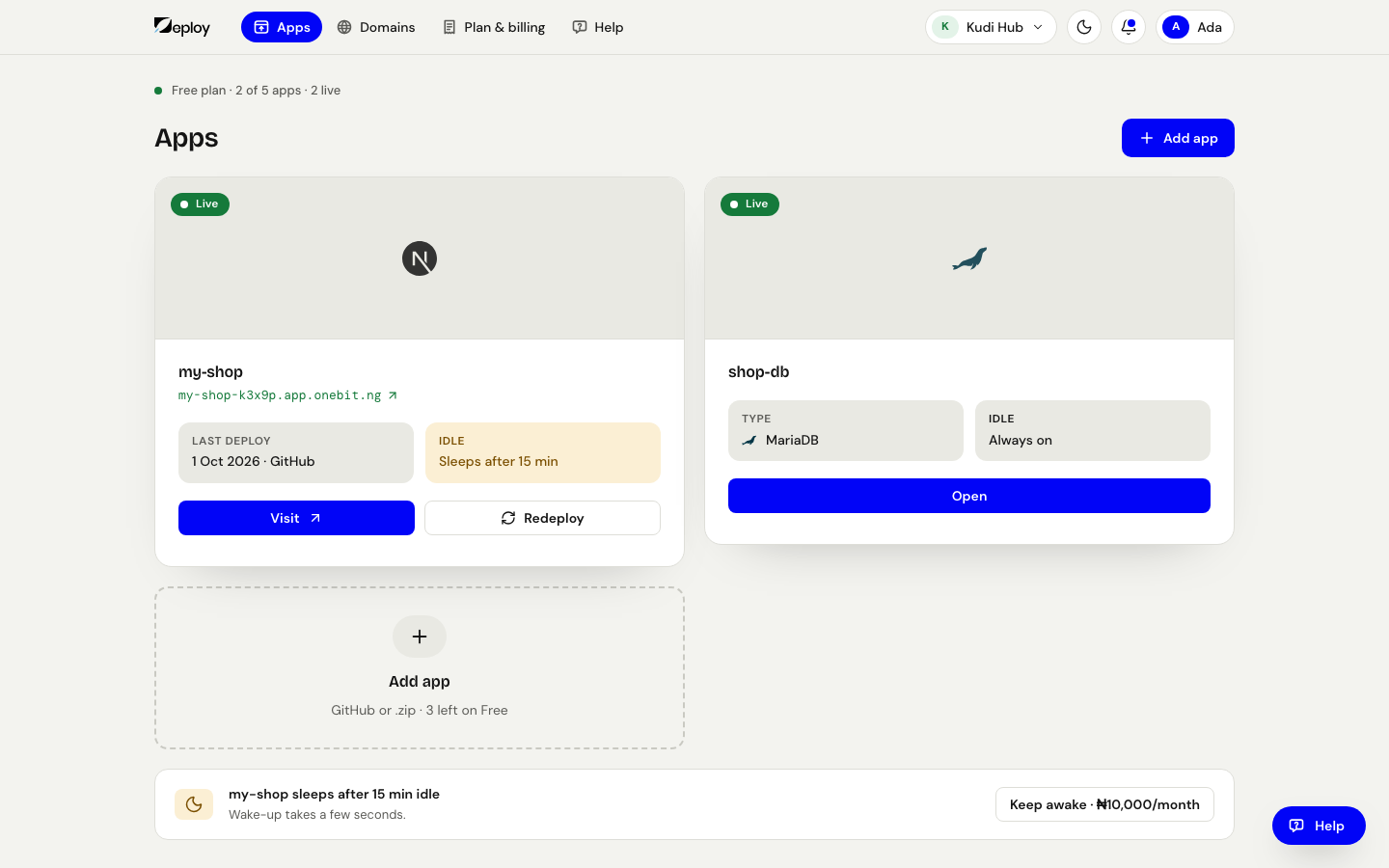
2. Start a new app
On Apps, press Add app. There is no type to pick: you show where your project is, and the console works out what it is (a Node.js app, a website made with Next.js, a plain website, a Python app, or an app with its own Dockerfile).
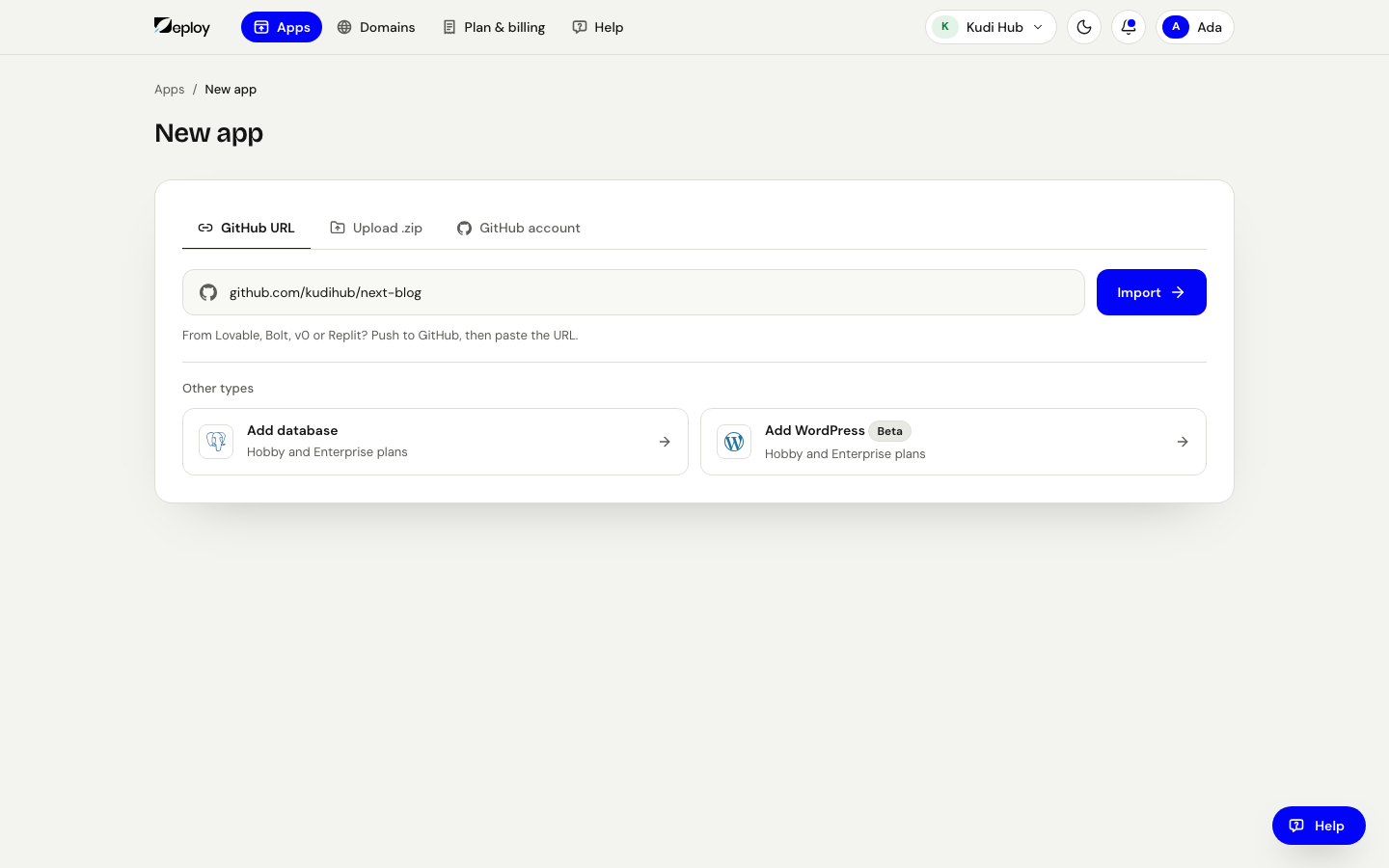
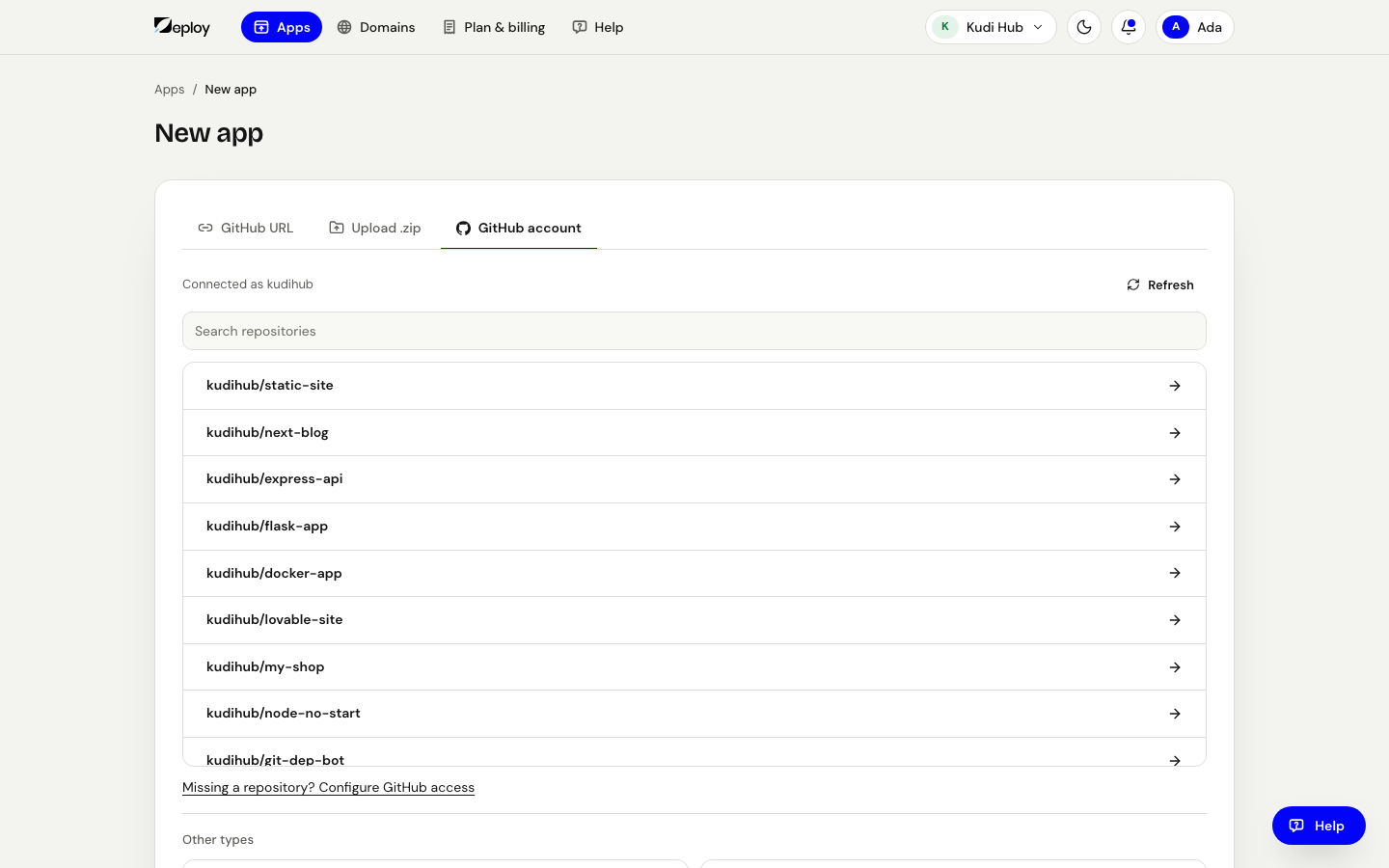
3. Connect your source
Pick one of the three tabs:
- GitHub account — press Connect GitHub once, pick the project, choose the Branch and press Import. Apps added this way update by themselves on every push.
- GitHub URL — the quicker way for a public project: paste the link and press Import. If the tab says pasting a link is not switched on yet, use GitHub account.
- Upload .zip — drop a .zip of your project. A plain website (HTML, CSS and JavaScript) always works; the tab says whether a whole Node.js, Next.js or Python project is accepted too.
4. Configure the build
The console says what it found (for example "A Node.js app."), so you usually don't need to change anything. If it guessed wrong, or your project builds differently, open Build settings: Framework, Build command, Root directory and Port.
Keys and passwords (environment variables) are added once the app exists, on its Environment tab.
5. Pick a name and put it online
Check the Name (it is used in your free web address) and press Deploy. The size is set for you from your plan; you can change it later in the app's Settings → Resources.
6. Go live
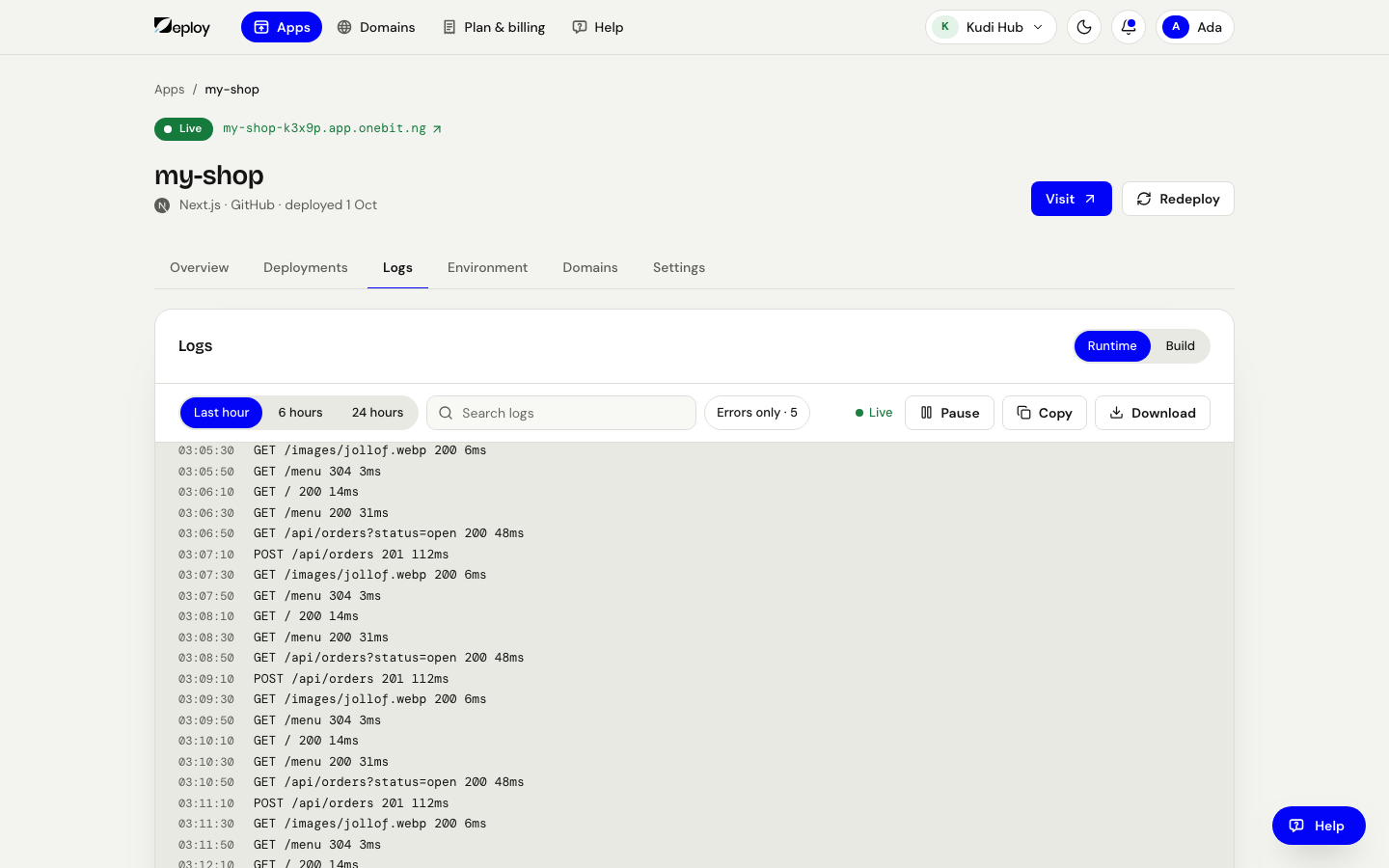
The app page shows each step as it happens: got your project, worked out what it is, building it, switching it on, giving it an address. When it says Live, the app is on a public web address with SSL (HTTPS). Watch the build and what your app prints while it runs in the app's Logs tab.
If you added the app GitHub account, every push to its branch puts a new version online by itself. Add a domain of your own any time from the app's Domains tab.