

Deploying
Deploying overview
How apps are built and run on OneBit Deploy, from source to a live URL.
OneBit Deploy turns your source code into a running app. You bring a GitHub repository (or a ZIP for static sites), and the platform builds a container image and runs it with a public URL, automatic SSL and live logs.
The deployment pipeline
- Source — connect a GitHub repo and branch, or upload a ZIP.
- Build — OneBit builds your code into an optimised container image. Node.js and Next.js are auto-detected, so no Dockerfile is required.
- Run — the image runs on OneBit's Kubernetes platform with a public URL.
- Live — automatic HTTPS, optional custom domain, live logs and metrics.
- Redeploy — every push to the connected branch builds and ships a new version.
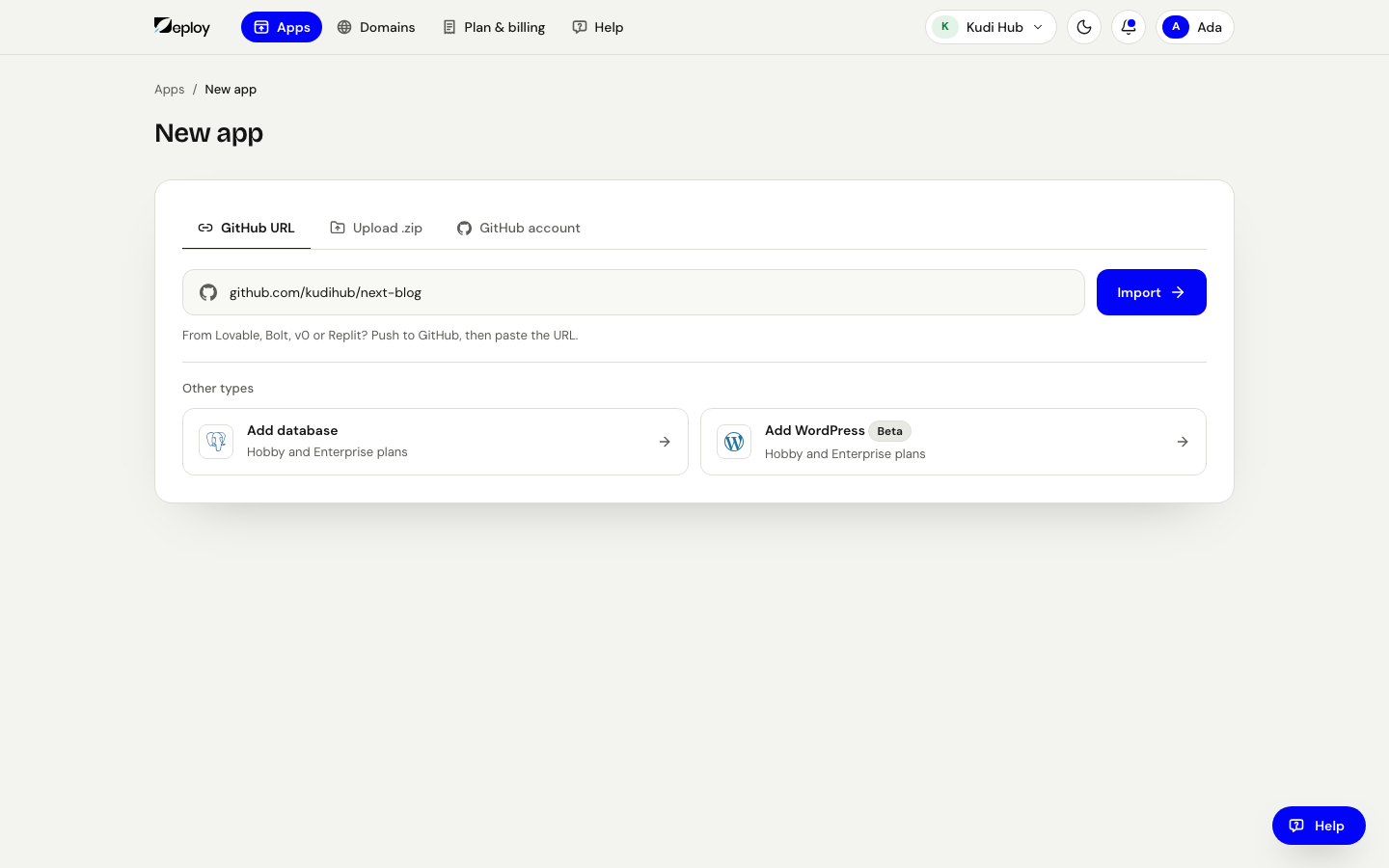
What you can deploy
- Static sites — from a repo or a ZIP upload.
- Web services — Node.js and Next.js apps built from your repo.
- Managed databases — see Databases.
- WordPress (Beta) — see WordPress.
Supported app runtimes today are Node.js, Next.js and Python (early access), plus static sites. Other language buildpacks (Go, PHP) are not available yet.