

Connecting to a database
How to wire a managed database connection string into your app safely.
Once you've provisioned a managed database, connecting your app is the same regardless of engine: copy the connection string into your app's environment and use it from your code.
1. Copy the connection string
Open the database from Apps. Under Connection, copy All of it as one line (what most tools call a connection URL). It contains the username, password, host, port and database name, which are also listed one by one. Test connection checks that it answers.
2. Add it as an environment variable
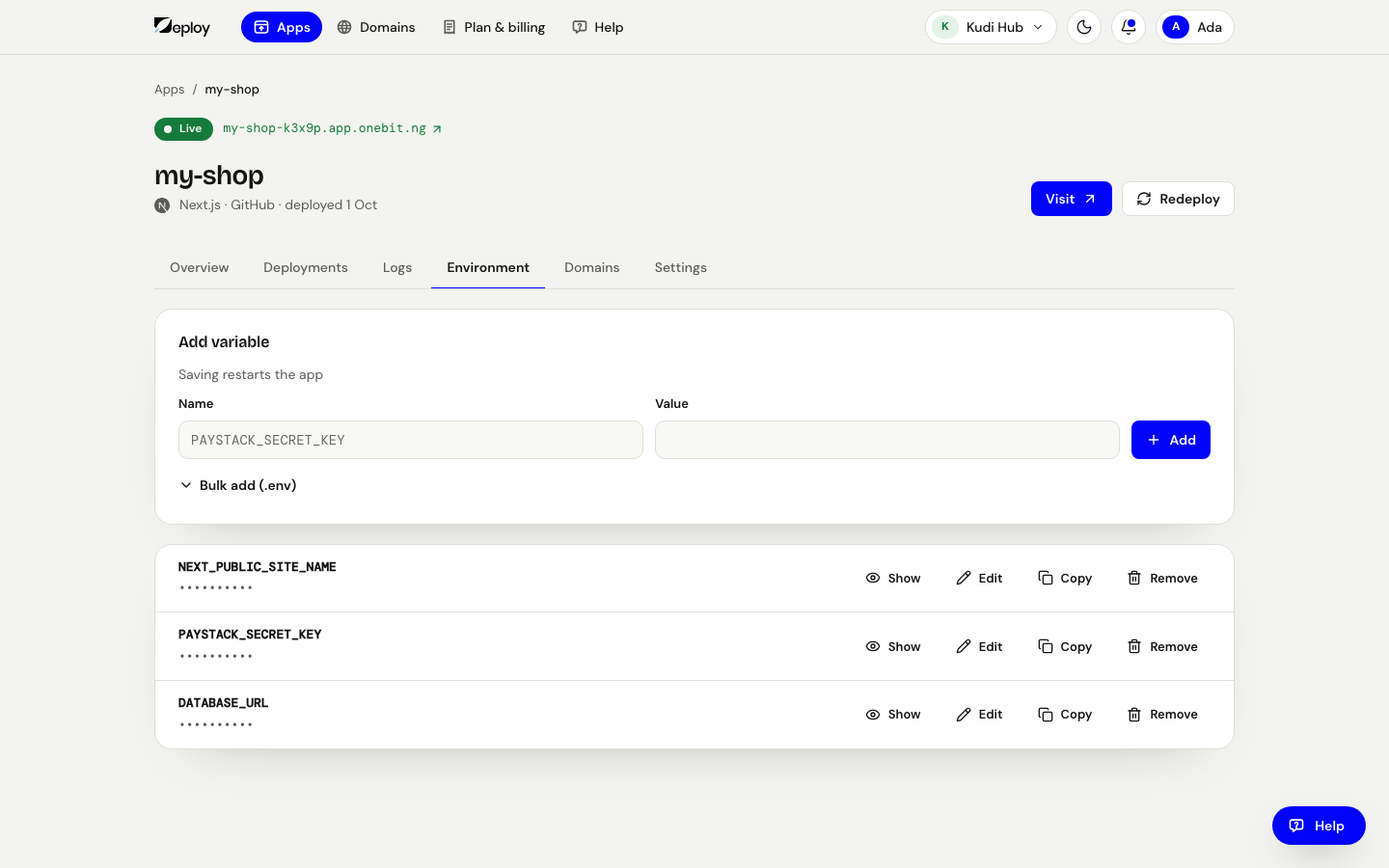
On your app's Environment tab, press Add variable and add the connection
string as its value — DATABASE_URL is a common name. Saving restarts the app so it
picks the value up.
3. Use it in your code
Read the variable from the environment (for example process.env.DATABASE_URL) and
pass it to your database client. See the per-engine pages for code snippets:
External access
Your app and database run on the same platform, so internal connections are fast. By default only your apps can reach the database. If you need to reach it from outside (for example a local migration tool), open the database's page and, under Use it from a laptop or another tool, press Enable external access, then use the connection details it shows.
Treat connection strings as secrets. Don't commit them to GitHub or print them in build logs.