

GitHub app
How OneBit connects to GitHub to build and deploy your repositories.
To deploy from GitHub, OneBit installs a GitHub app on your account or organisation. This is what lets OneBit read your selected repositories and build them when you push.
What it can access
- The repositories you select during install (you can choose specific repos).
- Push events on those repositories, so deploys can trigger automatically.
You control which repositories OneBit can see, and you can change or revoke access from your GitHub settings at any time.
Connecting
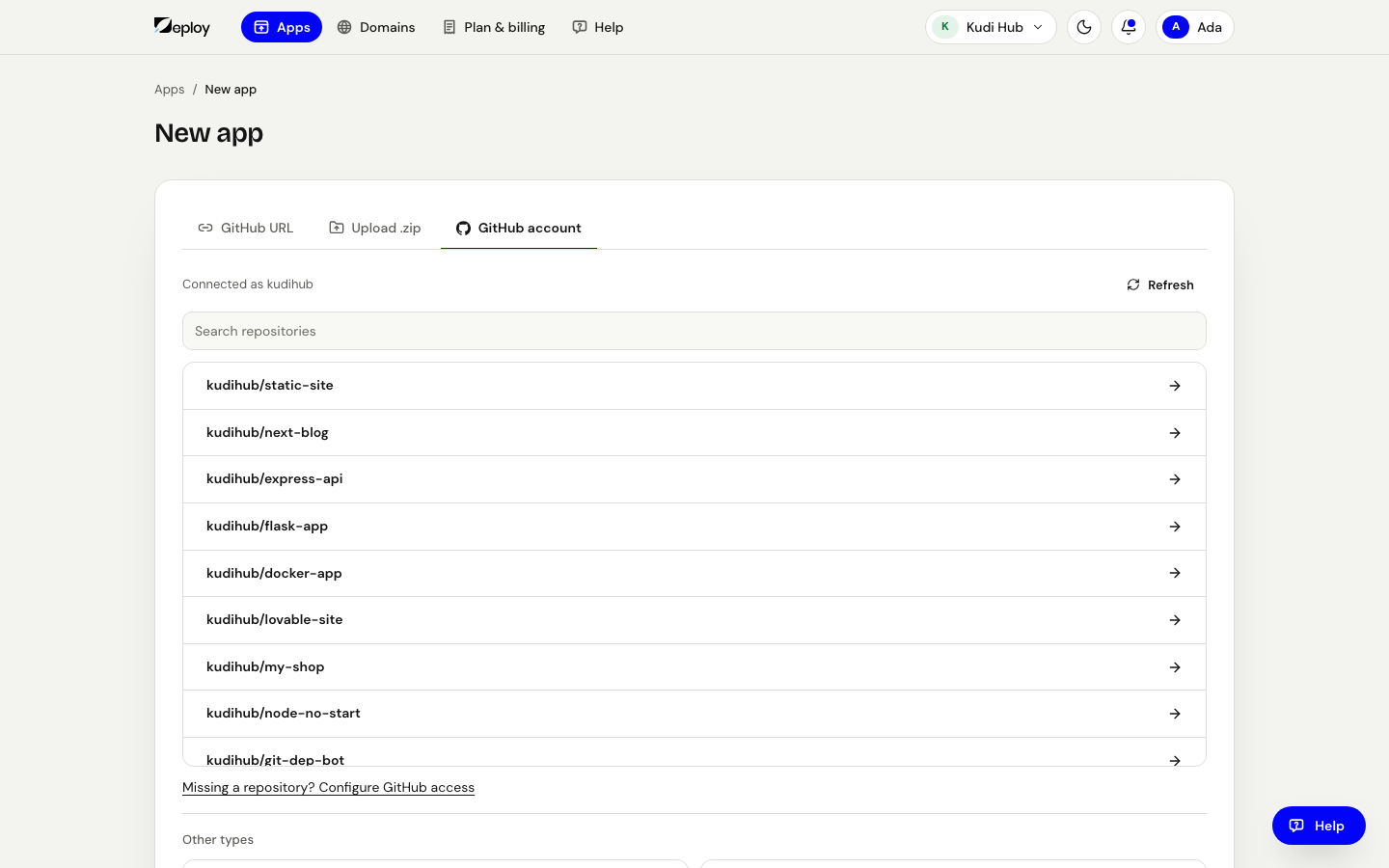
When you add an app and open the GitHub account tab, press Connect GitHub; you'll be prompted to install or authorise the OneBit GitHub app and pick the repositories to grant access to. You can also connect it from Settings → Git → Connect GitHub, and change which repositories it sees later with Choose projects on GitHub.
Revoking access
To disconnect, remove the OneBit GitHub app from your GitHub account or organisation settings. Apps already deployed keep running, but new pushes will no longer trigger deploys until you reconnect.
Grant access only to the repositories you intend to deploy. You can always add more later.